Turn the clips on your phone into videos for your business.
Upload your clips and photos, tell Relsko what you want to show, and choose a concept. Relsko creates three edited versions with captions. Download your favourite for Instagram Reels, TikTok or YouTube Shorts.
Vertical video · 1080p export · Interface and captions in 16 languages · I already have access
Relsko is rolling out gradually. Tell us what your business is and we’ll get back to you with the access terms.
See real examples
Real input, real output. Nothing in these examples was edited by hand, and the times were measured, not estimated.
Input
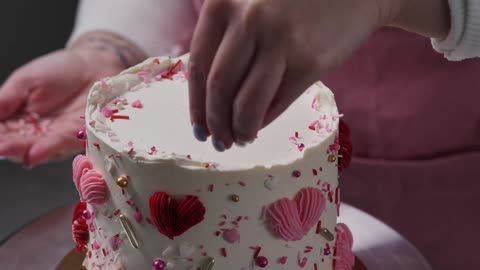
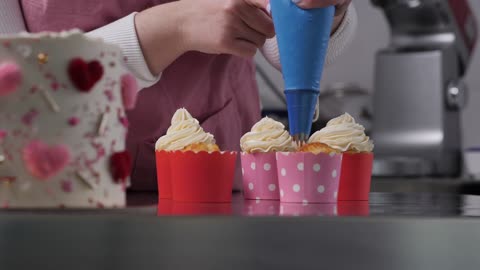
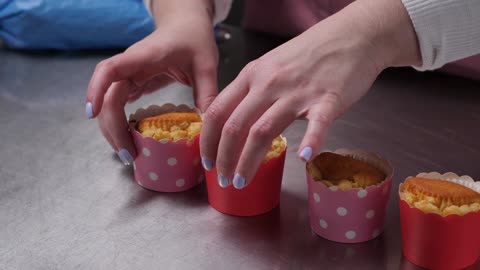
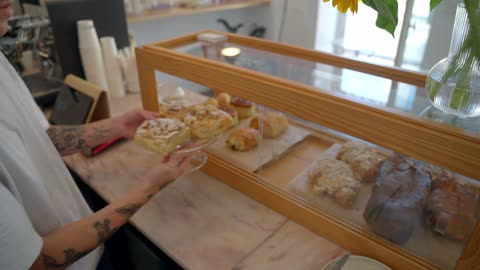
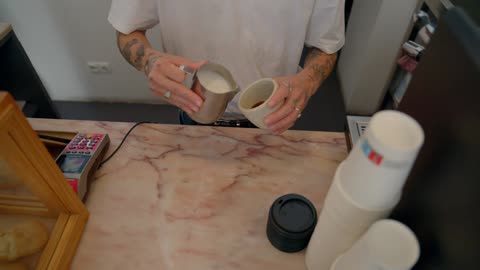
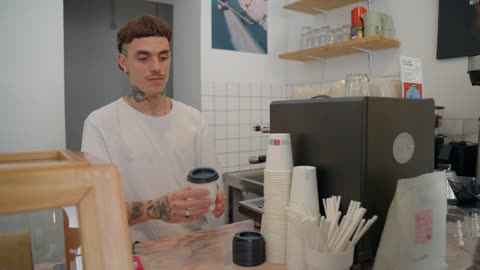
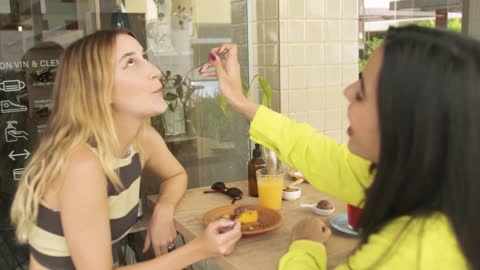
7 stock clips of a café and a bakery, 54.6 MB, 101.6 s of footage in total, horizontal 1920×1080 (Relsko crops them to 9:16). Template “Service / local business”. The clips were uploaded on the server itself, so upload time is not part of the measurement.
Brief
„I run a small café. This week we have new cupcakes and a fresh cake in the display. I want people from the neighbourhood to come in and taste them. The video should feel pleasant, show the preparation, the result and the café, and end with an invitation to stop by.“
Chosen concept
“Fresh from the oven” with the opening line “New cupcakes, fresh out today”, chosen from three proposals (the other two: “A little treat for the neighbourhood”, “Taste it this week”).
Measured processing time
- Assistant: three concepts in 5.5 s (2 rounds, one follow-up question answered)
- Analysis of the clips and three previews of the chosen concept: 36.1 s (analysis 8 s, cut planning 6 s, previews 22 s)
- Standard export of one version in 1080p: 42.1 s and 54.1 s (two versions measured)
- Animated export (beta) of one version: 146.2 s
Measured once on 19 September 2026 under the conditions above. Times depend on the length of the footage, the captions you choose and the current load of the service; they are not a guaranteed time.
The clips are free stock footage (Coverr), not customers’ footage. We will replace these examples with pilot customers’ footage and measured results as soon as they agree to publication. The examples were created in the English version of the app.
Output: three edited versions of the chosen concept
Freshly baked with love
Standard export (1080p)
Input
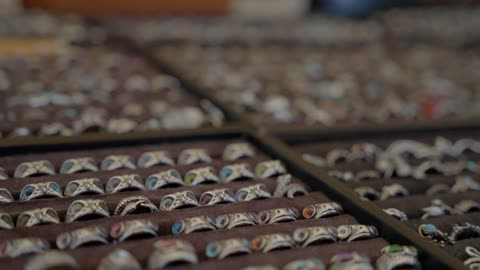
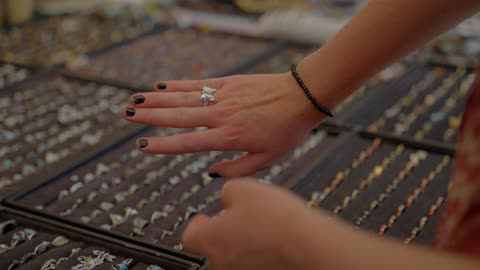
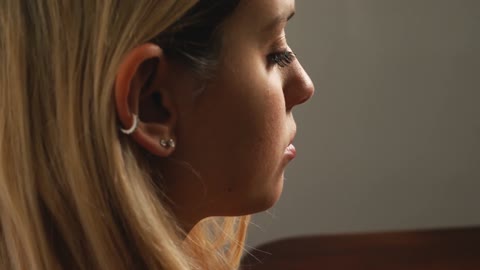
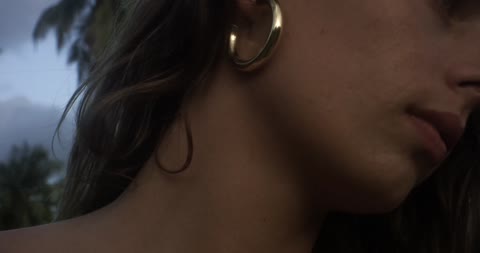
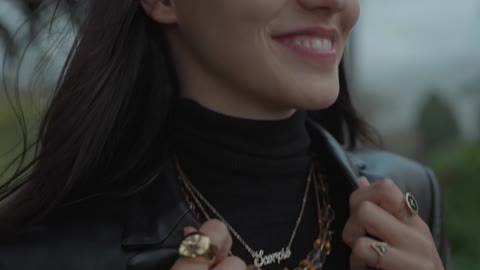
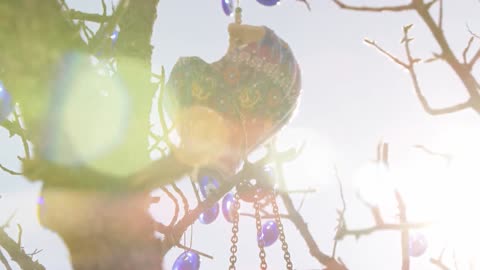
6 stock clips of handmade rings and earrings worn outdoors, 42.3 MB, 80.0 s of footage in total, horizontal 1920×1080 (Relsko crops them to 9:16). Template “Product / e-shop”. The clips were uploaded on the server itself, so upload time is not part of the measurement.
Brief
„I run a small online shop with handmade jewellery. I want to show our new rings and earrings the way people actually wear them: on hands and ears, in daylight, with close-ups of the details. The viewer should go to the shop and browse the new collection. No prices in the video.“
Chosen concept
“Worn in Daylight” with the opening line “Real hands. Real light. Real craft.”, chosen from three proposals (the other two: “One Piece, One Moment”, “Detail to Full Look”).
Measured processing time
- Assistant: three concepts in 5.6 s (2 rounds, one follow-up question answered)
- Analysis of the clips and three previews of the chosen concept: 32.1 s (analysis 6 s, cut planning 6 s, previews 20 s)
- Standard export of one version in 1080p: 48.1 s and 54.1 s (two versions measured)
- Animated export (beta) of one version: 148.2 s
Measured once on 19 September 2026 under the conditions above. Times depend on the length of the footage, the captions you choose and the current load of the service; they are not a guaranteed time.
The clips are free stock footage (Coverr), not customers’ footage. We will replace these examples with pilot customers’ footage and measured results as soon as they agree to publication. The examples were created in the English version of the app.
Output: three edited versions of the chosen concept
A quiet kind of sparkle.
Standard export (1080p)
Input
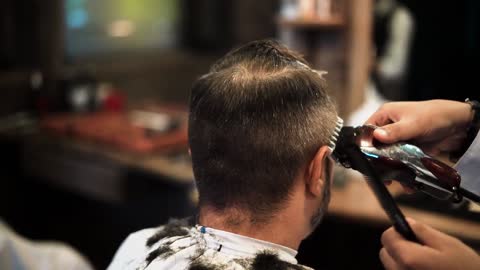
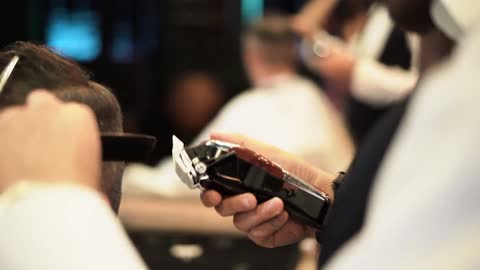
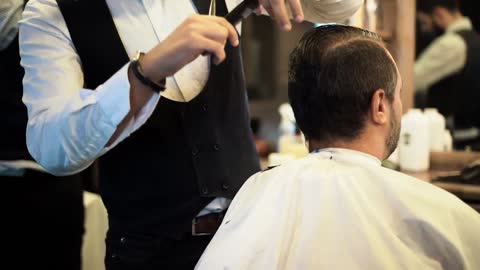
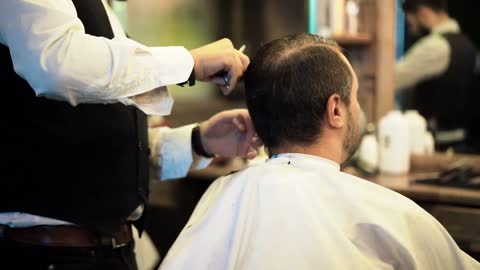
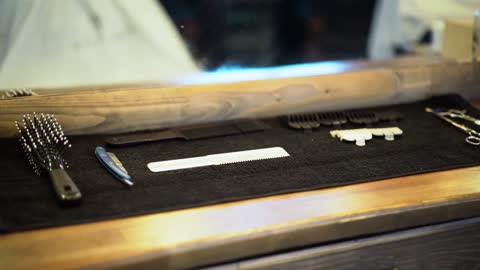
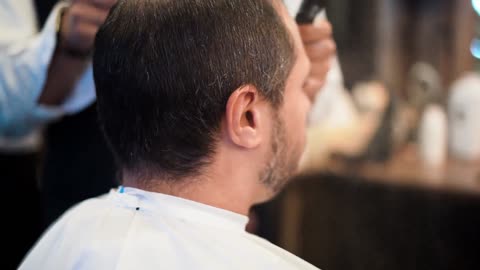
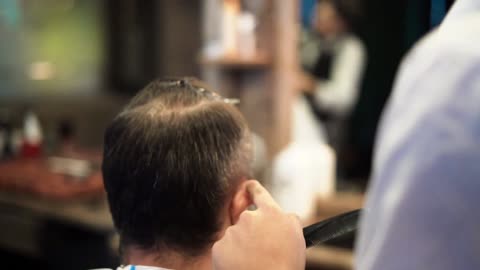
7 stock clips of a barbershop at work, 69.1 MB, 128.1 s of footage in total, horizontal 1920×1080 (Relsko crops them to 9:16). Template “Service / local business”. The clips were uploaded on the server itself, so upload time is not part of the measurement.
Brief
„I have a barbershop with two chairs. I want to show the craft: the cut, the details, the tools and the finished look, so that men in our area book an appointment. Premium but friendly tone. End with a call to book online.“
Chosen concept
“The Craft, Step by Step” with the opening line “Two chairs. One obsession: the cut.”, chosen from three proposals (the other two: “Details Make the Difference”, “Your Chair Is Waiting”).
Measured processing time
- Assistant: three concepts in 4.3 s (one round, no follow-up questions)
- Analysis of the clips and three previews of the chosen concept: 38.1 s (analysis 8 s, cut planning 8 s, previews 22 s)
- Standard export of one version in 1080p: 44.1 s and 50.1 s (two versions measured)
- Animated export (beta) of one version: 192.3 s
Measured once on 19 September 2026 under the conditions above. Times depend on the length of the footage, the captions you choose and the current load of the service; they are not a guaranteed time.
The clips are free stock footage (Coverr), not customers’ footage. We will replace these examples with pilot customers’ footage and measured results as soon as they agree to publication. The examples were created in the English version of the app.
Output: three edited versions of the chosen concept
The craft, step by step
Standard export (1080p)
Input
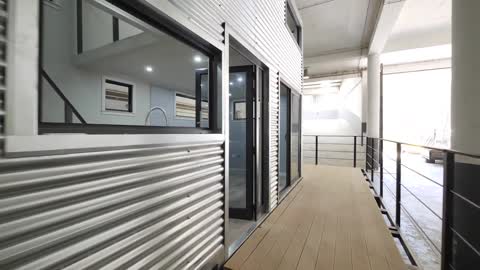
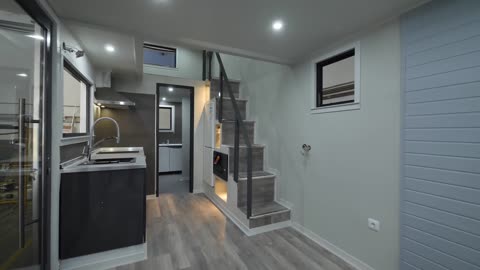
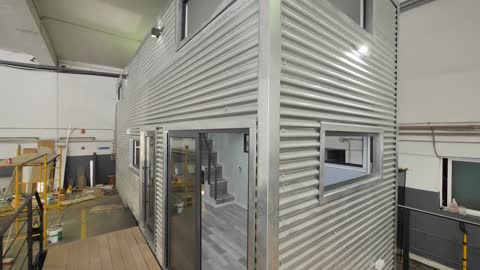
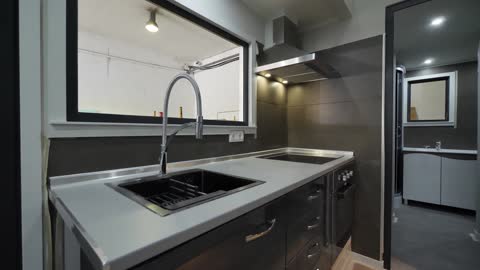
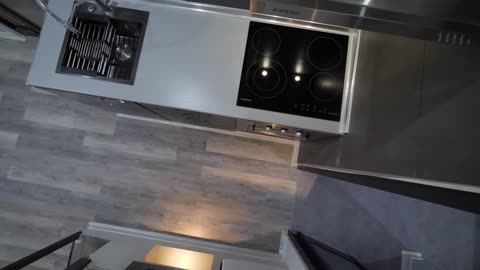
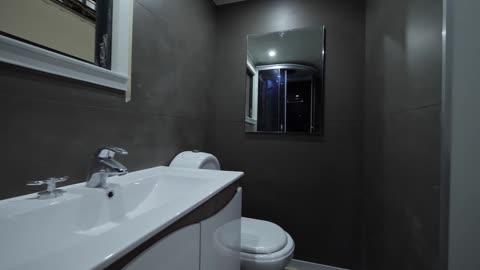
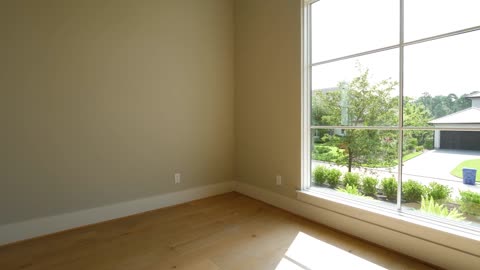
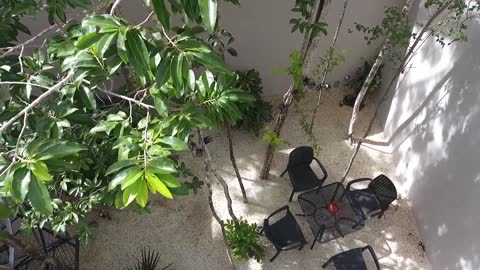
8 stock clips of a bright home (walkthrough, kitchen, bathroom, patio), 63.3 MB, 118.5 s of footage in total, horizontal 1920×1080 (Relsko crops them to 9:16). Template “Service / local business”. The clips were uploaded on the server itself, so upload time is not part of the measurement.
Brief
„I am a real estate agent. I have a walkthrough of a bright home with a modern kitchen, a bathroom, an empty room with a large window and a patio, plus the entrance. I want a calm presentation of the property that invites people to book a viewing. Use only the facts in this brief: bright home, Prague, viewings this week. No price in the video.“
Chosen concept
“Calm Home Walkthrough” with the opening line “A bright home in Prague”, chosen from three proposals (the other two: “A Home for Your Family”, “Book a Viewing This Week”).
Measured processing time
- Assistant: three concepts in 5.0 s (2 rounds, one follow-up question answered)
- Analysis of the clips and three previews of the chosen concept: 38.1 s (analysis 8 s, cut planning 6 s, previews 24 s)
- Standard export of one version in 1080p: 56.1 s and 60.1 s (two versions measured)
- Animated export (beta) of one version: 170.2 s
Measured once on 20 September 2026 under the conditions above. Times depend on the length of the footage, the captions you choose and the current load of the service; they are not a guaranteed time.
The clips are free stock footage (Coverr), not customers’ footage. We will replace these examples with pilot customers’ footage and measured results as soon as they agree to publication. The examples were created in the English version of the app.
Output: three edited versions of the chosen concept
Bright home in Prague
Standard export (1080p)
Input
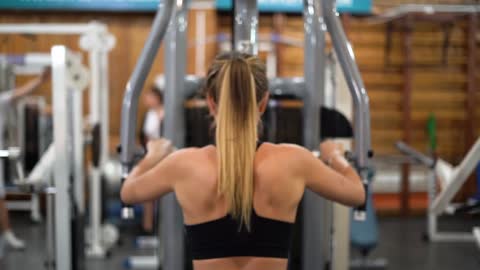
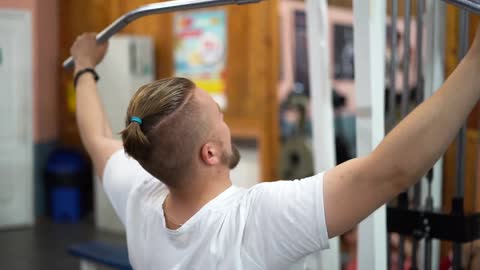
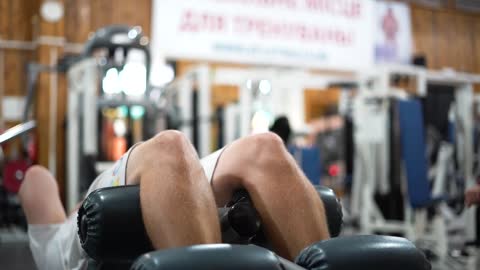
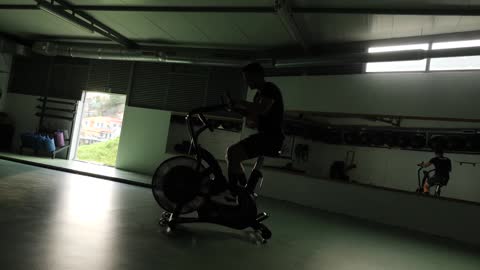
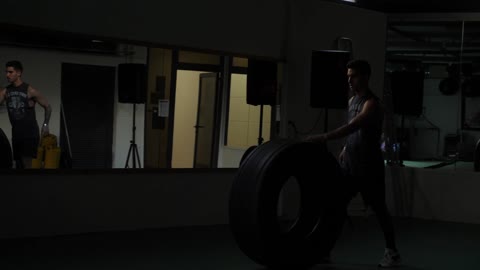
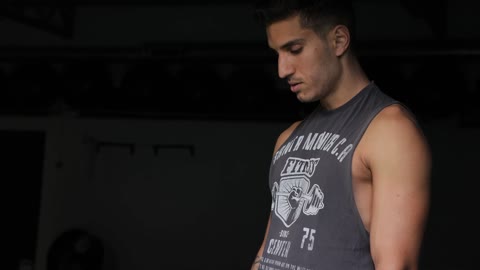
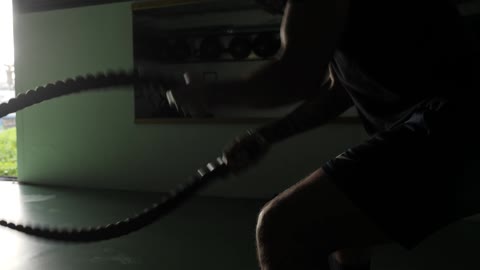
7 stock clips of a fitness studio in training, 74.8 MB, 139.2 s of footage in total, horizontal 1920×1080 (Relsko crops them to 9:16). Template “Service / local business”. The clips were uploaded on the server itself, so upload time is not part of the measurement.
Brief
„I run a small fitness studio with personal training. I want to show real training: strength, cardio and coaching, so that people in the area book a free trial session. Energetic but not aggressive tone. End with a call to book the trial session.“
Chosen concept
“One Real Session, Start to Finish” with the opening line “This is what a real session looks like”, chosen from three proposals (the other two: “From Your First Day”, “Strength, Cardio, Coaching”).
Measured processing time
- Assistant: three concepts in 5.4 s (2 rounds, one follow-up question answered)
- Analysis of the clips and three previews of the chosen concept: 34.1 s (analysis 8 s, cut planning 6 s, previews 20 s)
- Standard export of one version in 1080p: 52.1 s and 46.1 s (two versions measured)
- Animated export (beta) of one version: 112.1 s
Measured once on 20 September 2026 under the conditions above. Times depend on the length of the footage, the captions you choose and the current load of the service; they are not a guaranteed time.
The clips are free stock footage (Coverr), not customers’ footage. We will replace these examples with pilot customers’ footage and measured results as soon as they agree to publication. The examples were created in the English version of the app.
Output: three edited versions of the chosen concept
We start where you are
Standard export (1080p)
Input
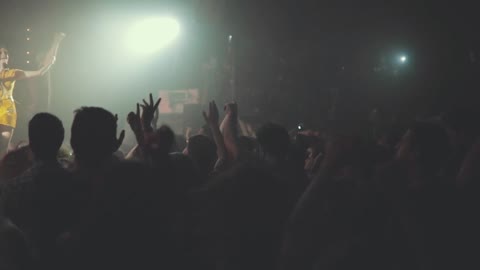
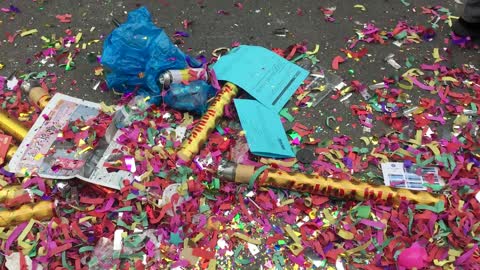
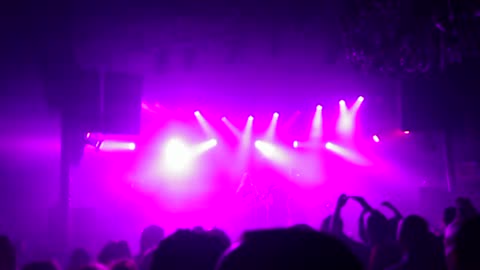
8 stock clips of a club night and a concert, 53.3 MB, 98.6 s of footage in total, horizontal 1920×1080 (Relsko crops them to 9:16). Template “Event”. The clips were uploaded on the server itself, so upload time is not part of the measurement.
Brief
„We organise club nights and small concerts. I want an energetic recap of last night: the crowd, the DJ, the stage and the confetti, ending with the next date. Use exactly this: next event on Friday 3 October, tickets via the link in our profile. Do not claim it is sold out.“
Chosen concept
“Peak Energy Recap” with the opening line “Last night went OFF”, chosen from three proposals (the other two: “Night in 15 Seconds”, “Next Date Countdown”).
Measured processing time
- Assistant: three concepts in 4.1 s (one round, no follow-up questions)
- Analysis of the clips and three previews of the chosen concept: 36.1 s (analysis 10 s, cut planning 6 s, previews 20 s)
- Standard export of one version in 1080p: 38.1 s and 38.1 s (two versions measured)
- Animated export (beta) of one version: 146.2 s
Measured once on 20 September 2026 under the conditions above. Times depend on the length of the footage, the captions you choose and the current load of the service; they are not a guaranteed time.
The clips are free stock footage (Coverr), not customers’ footage. We will replace these examples with pilot customers’ footage and measured results as soon as they agree to publication. The examples were created in the English version of the app.
Output: three edited versions of the chosen concept
Last night
Standard export (1080p)
How Relsko works
From clips to a video in three steps.
Upload your footage
Add videos and photos from your phone, or import them from a shared Google Drive folder or an iCloud shared album. Nothing to upload yet? Tell Relsko your goal and it suggests what to film.
Choose a concept
Write what you want to show and what the viewer should do. The assistant asks at most a couple of questions and proposes three concepts. Choose the one that fits your goal best.
Compare the cuts and download
Relsko prepares three edited versions of the chosen concept. Review the previews, pick one and download it in 1080p. For now, you post it to the social network yourself.
Who Relsko is for
Business owners and teams who want to show their work regularly, but have no time to edit.
Cafés & restaurants
Show today’s menu, the atmosphere of your place and the people behind it.
See an example →Real estate agents
Turn a phone walkthrough into a short presentation of the property.
See an example →Barbershops & beauty salons
Show the process and the result, and invite people to book.
See an example →Experts & personal brands
Turn the answer to a frequent question into a short captioned video.
See an example →Event organisers & venues
Bring back the atmosphere of the last event and announce the next date.
See an example →Marketing agencies
Prepare drafts from the client’s footage and send them for approval.
See an example →What Relsko does
It helps you decide what to film, prepare the brief and cut the footage. You do not start from an empty timeline, and you do not have to learn an editing program.
What to film and how
Describe your goal. Relsko suggests six to eight shots, including the length, how to film them and what to show or say.
Brief with an assistant
Write or dictate what you want to present. The assistant asks for the details it needs and offers three concepts.
Three cut variants of the chosen concept
Choose one concept and compare three cuts. Before you download, you see how their pace and treatment differ.
Captions that complete your video
Add captions to the spoken word. Standard captions are available to everyone; animated captions that highlight each word are in beta. If the animated export is not available, you get the standard export of the same version.
Work in your language
The interface, the assistant and the captions work in 16 languages. The support table below shows exactly what is available in yours.
Your brand settings
Save your brand name, colour and call to action. Relsko uses them when creating your videos and leaves out the words you ban.
Scheduling and publishing
We are preparing tools for planning content and publishing directly to social networks. Today you download the finished video and post it yourself.
Translated text in the video
Prepare language versions of the opening text and the captions in any of the other 15 supported languages. This is text translation, not dubbing.
Recommendations before you post
Get tips on the opening, the captions, the pace and the closing call to action. They help you compare versions before you choose. They do not predict reach or sales.
Approval via a link
Send the previews to a client. Through the link they approve or request changes without logging in.
What we are preparing
Without release dates. We announce each feature only once it is available.
- Scheduling and direct publishing to social networks
- Dubbing of the video into other languages
- Learning your style from your Instagram profile
- Evaluating real results after publishing
- Workspaces for several clients
- Agency branding
- A built-in licensed music library
Language support
The same 16 languages apply to the website and the app.
English, Czech, Slovak, German, Polish, French, Spanish, Italian, Portuguese, Dutch, Hungarian, Romanian, Ukrainian, Turkish, Swedish, Danish
| App interface | All 16 languages |
|---|---|
| Brief assistant and shot list | All 16 languages |
| Speech transcription for captions | All 16 languages |
| Opening text and captions in the video | All 16 languages |
| Translation of the video text into another language | Into any of the other 15 languages |
| Dubbing | In preparation |
The assistant and the captions are generated by AI. Check names, prices, dates and specialist terms before you post, in every language.
Try Relsko on footage from your own business
Tell us what you want to create. We reply with information about access and help you get started.
Frequently asked questions
The 30 questions people ask before their first video.
What is Relsko?
Do I need to know how to edit video?
What should I upload?
How long does it take?
Three concepts or three cuts?
You already have the footage. Now turn it into a video.
Show people what you do, without hours of editing.
Request early access I already have access